> ## Documentation Index
> Fetch the complete documentation index at: https://docs.weborion.io/llms.txt
> Use this file to discover all available pages before exploring further.
# Adding and Editing Contacts
> Add and manage the people who receive alerts from WebOrion.
Contacts are the people who receive email, SMS, or Telegram alerts when WebOrion detects a change. No contacts are configured by default, so you'll need to add at least one before alerts can be sent. To set up Telegram delivery, see [Telegram Notifications](/defacement-monitor/managing-notifications/telegram-notifications).
## Adding a contact
Go to **Notification → Contacts → Add New** and fill in the following:
| Field | Description |
| ------------------------ | ---------------------------------------------------------------------------------------------------------------------- |
| **Name** | The contact's name |
| **Contact Group** | The group this contact belongs to. See [Contact Groups](/defacement-monitor/notifications/contact-groups) for details. |
| **Email** | The email address to send alerts to |
| **Email Subject Prefix** | An optional prefix added to the subject line of alert emails |
| **Phone** | Phone number for SMS alerts |
| **Notification Period** | The time window during which alerts will be sent |
| **Alert on** | The days of the week on which alerts are active |
Click **Save** to create the contact.
## Editing a contact
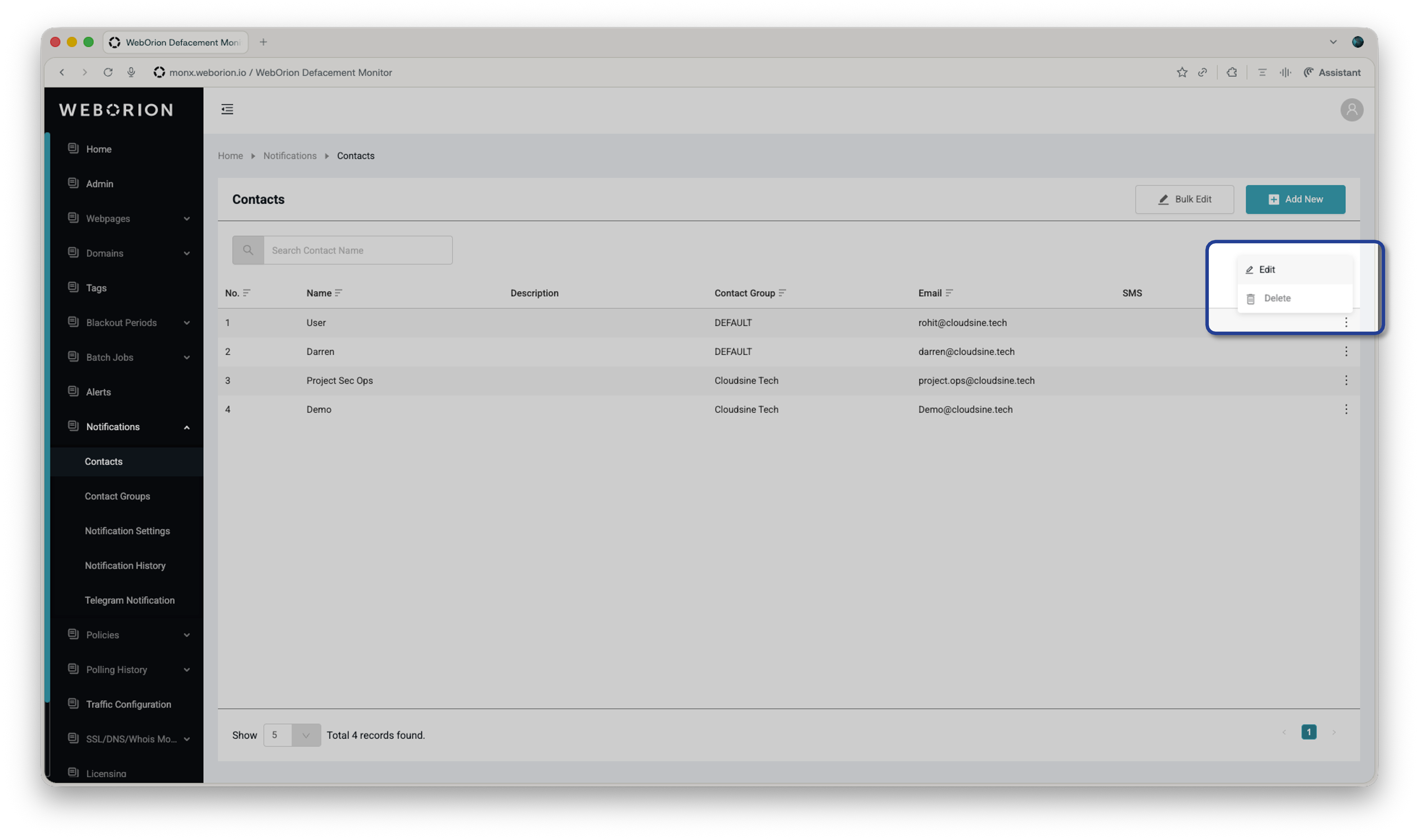 Go to **Notification → Contact** → **Edit**. Make your changes and click **Save**.
## Allow Re-baseline via Email
When editing a contact, you'll see an optional **Allow Re-baseline via Email** checkbox. When enabled, alert emails sent to this contact will include a link to initiate a re-baselining process of the webpage.
See [Re-baselining Webpages](/defacement-monitor/managing-changes/re-baselining) for more details on how this works.
Go to **Notification → Contact** → **Edit**. Make your changes and click **Save**.
## Allow Re-baseline via Email
When editing a contact, you'll see an optional **Allow Re-baseline via Email** checkbox. When enabled, alert emails sent to this contact will include a link to initiate a re-baselining process of the webpage.
See [Re-baselining Webpages](/defacement-monitor/managing-changes/re-baselining) for more details on how this works.