
GenAI Triage is an additional paid add-on. Please contact our Sales team (sales@cloudsine.tech) for more information. If you have GenAI Triage but do not see the AI Triage menu, reach out to Customer Support.
Configuring GenAI Triage Rules for a webpage
Triage levels are set per domain from the AI Triage tab in the webpage configuration.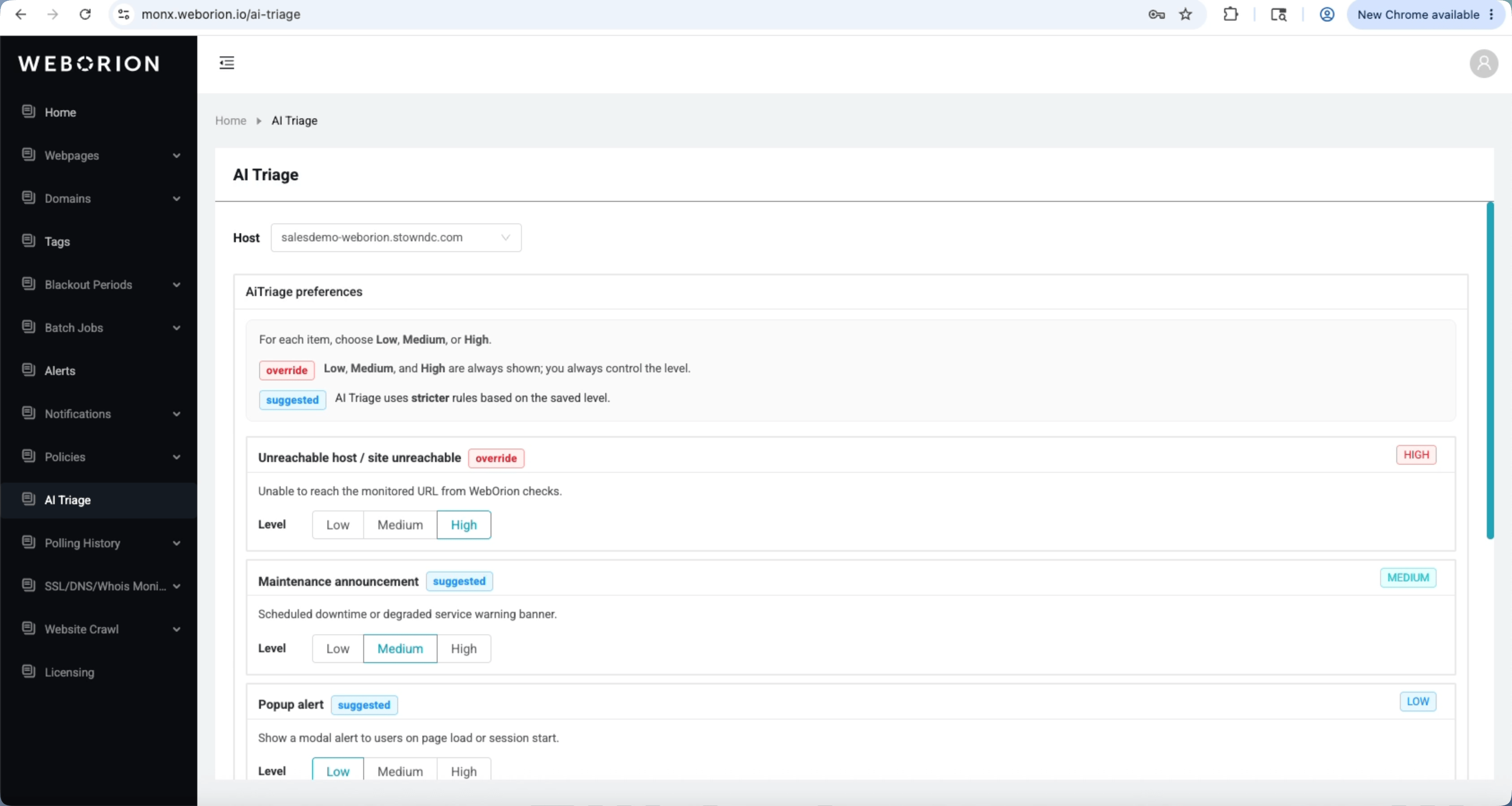
- Go to Webpage → View Webpages
- Click ⋮ → Configuration on the relevant webpage
- Select the AiTriage Rules tab
- Under AiTriage preferences, choose a level, Low, Medium, or High, for common triage items
- Click Save
LOW, MEDIUM, or HIGH).
Alternatively, click AI Triage in the sidebar menu, choose your host URL and change the preferences.