
Adding a blackout window
- One-time
- Recurring
For a single blackout period that runs once.
- Go to Blackout Period → Add Blackout Period
- Select the webpages you want to pause monitoring for in the table.
- Select Once and set the Start Date/Time and End Date/Time for the blackout period
- Click Save
Managing existing blackout periods
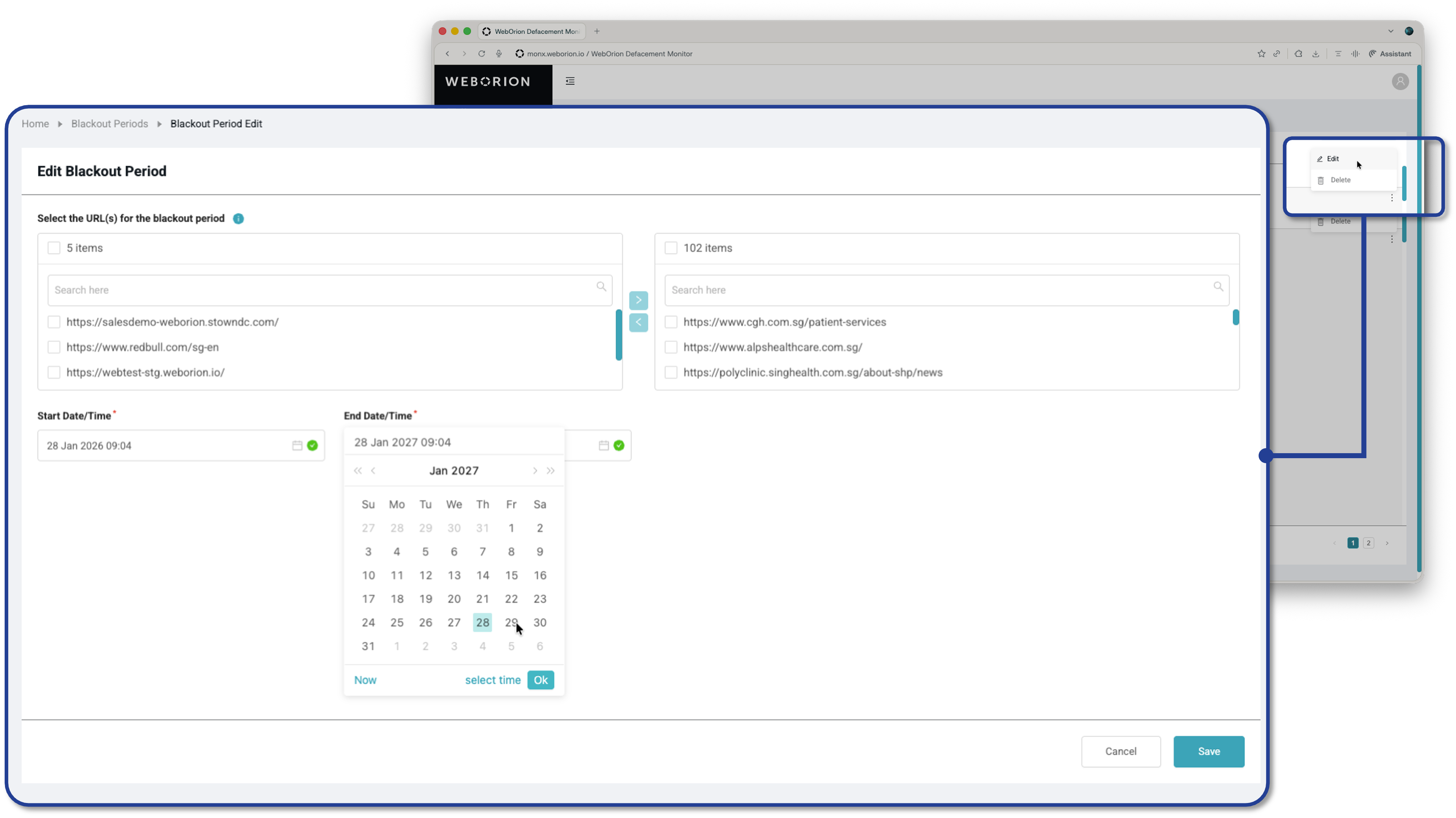
- Edit the timing of an existing blackout period
- Delete a blackout period if it’s no longer needed