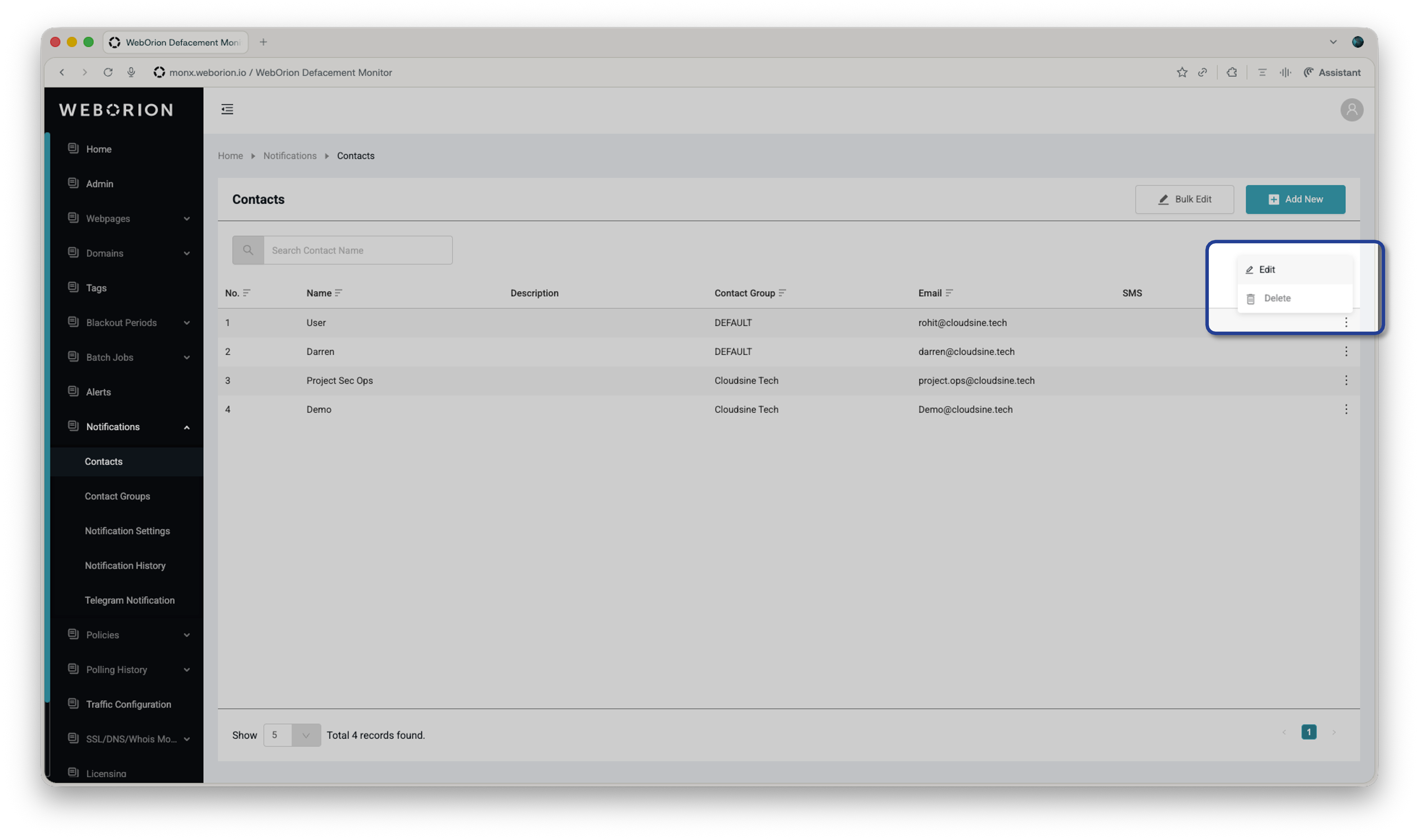
Add and manage the people who receive alerts from WebOrion.
Contacts are the people who receive email, SMS, or Telegram alerts when WebOrion detects a change. No contacts are configured by default, so you’ll need to add at least one before alerts can be sent. To set up Telegram delivery, see Telegram Notifications.
When editing a contact, you’ll see an optional Allow Re-baseline via Email checkbox. When enabled, alert emails sent to this contact will include a link to initiate a re-baselining process of the webpage.See Re-baselining Webpages for more details on how this works.